If you’re running Google Ads and feel like your budget is disappearing without clear returns, you’re not alone. Understanding what is target ROAS in Google Ads — and how to use it — could be the single biggest lever you pull to improve your campaign performance this year.
Target ROAS (Return on Ad Spend) is one of Google’s most powerful Smart Bidding strategies. In this guide, you’ll learn exactly what it is, why it matters for small and medium businesses, how to set it up step by step, and the mistakes that quietly drain your budget when it’s configured wrong.
Let’s cut through the noise and get you real results.
Free Google Ads Audit
Want Me to Review Your Account?
I will check your campaigns, tracking setup, and show you exactly where the opportunities are — completely free.
What Is Target ROAS in Google Ads?
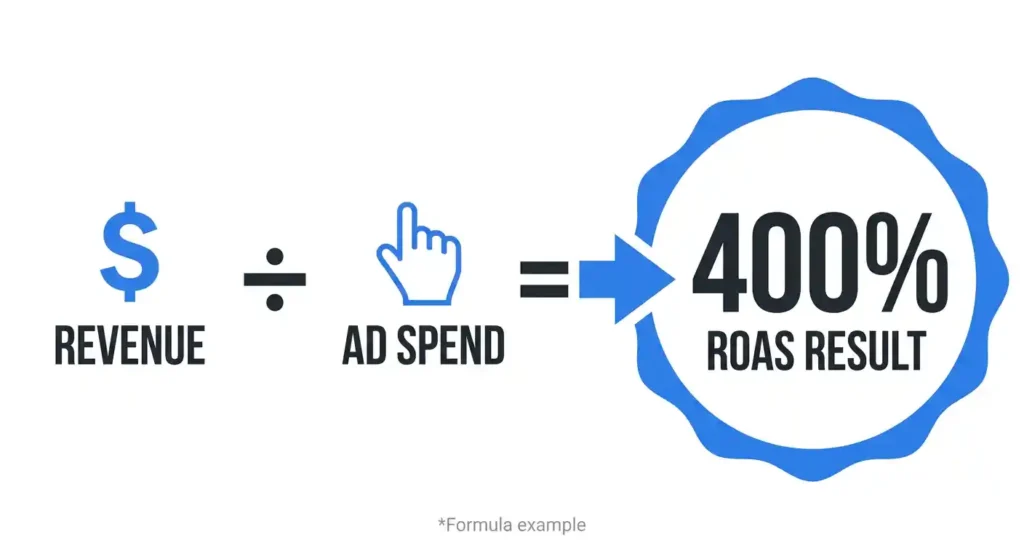
Target ROAS is a Smart Bidding strategy that tells Google how much revenue you want to generate for every dollar you spend on ads.
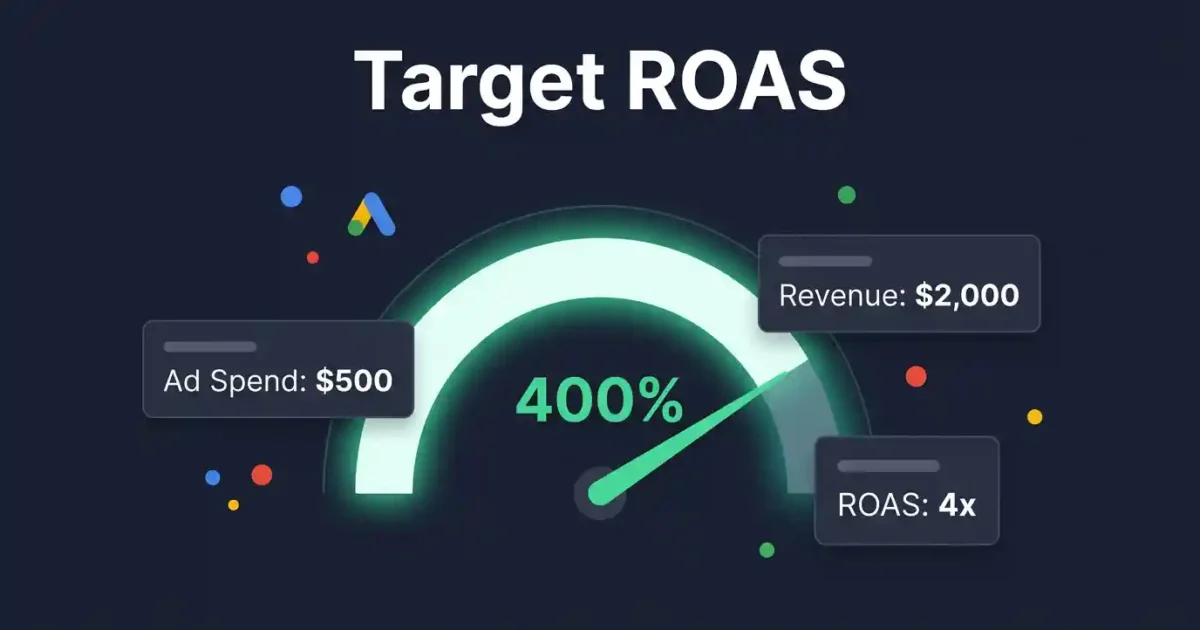
The formula is straightforward: ROAS = Revenue ÷ Ad Spend.
For example, if you spend $500 on ads and generate $2,000 in revenue, your ROAS is 4x (or 400%). With Target ROAS, you set that 400% as your goal — and Google’s algorithm automatically adjusts your bids in real time to try to hit it.
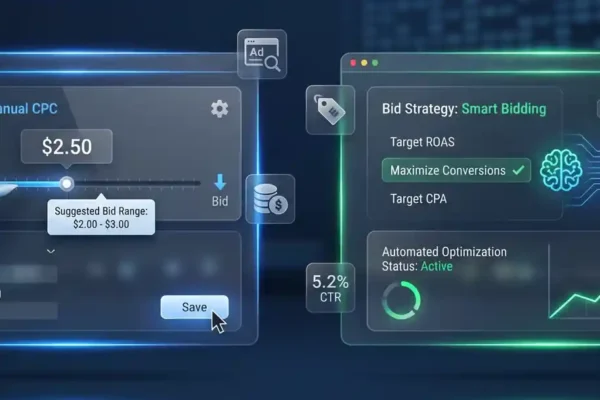
Instead of manually tweaking bids, Google uses machine learning to analyse signals like device, location, time of day, audience behaviour, and search intent to bid more on high-converting opportunities and less on low-value ones.
Simple Version: You tell Google your revenue goal per dollar spent. Google does the bidding math automatically to try to hit it.
Target ROAS sits alongside other Smart Bidding strategies like Target CPA (cost per acquisition) and Maximise Conversions — but ROAS is specifically designed for businesses that track revenue or conversion value, making it ideal for eCommerce stores, lead-gen businesses with known deal values, and service businesses with defined customer lifetime values.
Why Target ROAS Matters for Your Google Ads Campaigns
Manual bidding made sense when Google Ads was simpler. Today, there are millions of auction signals happening every second — far too many for any human to manage effectively. Smart Bidding strategies like Target ROAS are built to process this complexity at scale.
Here’s why it matters for your bottom line:
- Efficiency at scale: Google optimises every single auction, not just your daily bid adjustments.
- Budget protection: Instead of spending equally across all clicks, Google pushes budget toward higher-value conversions.
- Profitability focus: Unlike ‘Maximise Clicks’, Target ROAS ties bidding directly to revenue — the metric that actually matters.
- Time savings: Less manual work managing bid modifiers across devices, locations, and audiences.
Real-World Insight: In our experience auditing hundreds of Google Ads accounts, we regularly find businesses using Maximise Clicks or manual CPC when they already have solid conversion data — leaving thousands of pounds in revenue on the table. Switching to Target ROAS with the right setup is often the fastest win we deliver for new clients.
The key phrase there is ‘right setup’. Target ROAS is powerful, but it’s also unforgiving when configured incorrectly. That brings us to the practical steps.
How to Set Up and Use Target ROAS in Google Ads: Step-by-Step
Step 1 — Make Sure Your Conversion Tracking Is Accurate
Target ROAS is only as good as the data it’s trained on. Before you even think about switching bidding strategies, confirm that:
- Your Google Ads conversion tracking is firing correctly on every purchase or lead form submission.
- You are tracking conversion value — not just conversions. If you sell products at different price points, Google needs to know which ones generate more revenue.
- You have at least 30–50 conversions in the past 30 days. Without this data, Google doesn’t have enough to learn from, and the strategy will underperform.
If you’re not tracking conversion value yet, this is your first priority. For e-commerce, this means passing dynamic order values through your thank-you page tag. For service businesses, assign a realistic estimated value per lead based on your average deal size and close rate.
Internal link suggestion: For a full walkthrough, see our guide on How to Set Up Google Ads Conversion Tracking Correctly.
Step 2 — Set a Realistic Target ROAS
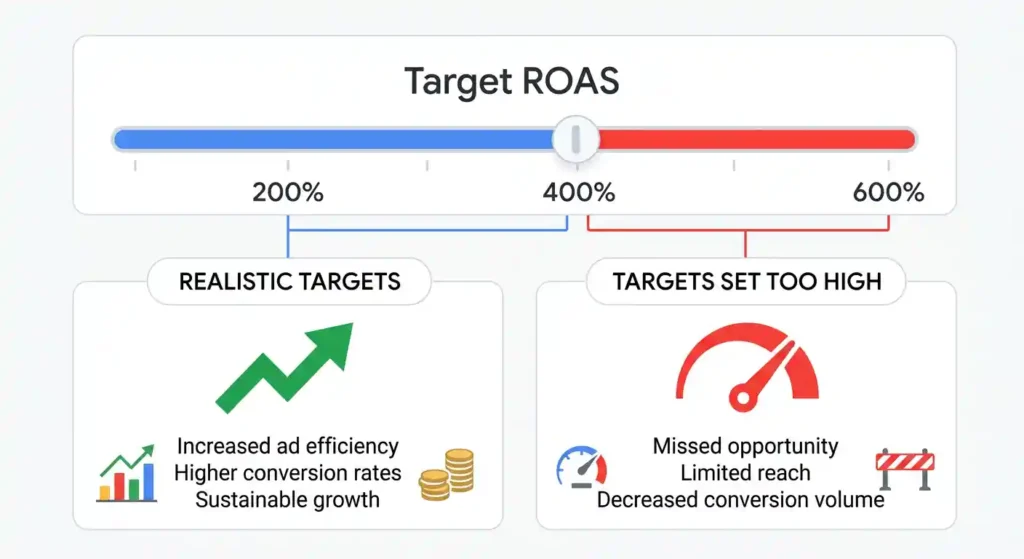
This is where many businesses go wrong. They set an aspirational ROAS (say, 1000%) without understanding what’s achievable given their margins, competition, and historical data.
Here’s how to set a sensible starting Target ROAS:
- Check your historical ROAS in Google Ads under the Campaigns tab. This is your baseline.
- Start your Target ROAS at or slightly below your current average. For example, if you’re achieving 320% ROAS, set your target at 280–300%.
- Once Google’s algorithm stabilises (usually 2–4 weeks), you can gradually increase the target in 10–15% increments.
Pro Tip: Setting your Target ROAS too high too soon throttles your ad delivery. Google will enter fewer auctions to protect your target, which can cause traffic and conversion volume to drop sharply.
Step 3 — Apply Target ROAS at the Right Campaign Level
Target ROAS works best when applied to campaigns where you have consistent conversion data. Don’t apply it to brand-new campaigns or those with fewer than 30 conversions per month — use Maximise Conversions first to build volume, then switch.
For Shopping campaigns, Target ROAS is often the default recommended strategy and tends to perform well once sufficient data is available. For Search campaigns, make sure your ad groups and keywords are tightly themed so Google can identify patterns in your top-converting queries.
Step 4 — Give the Learning Period Time
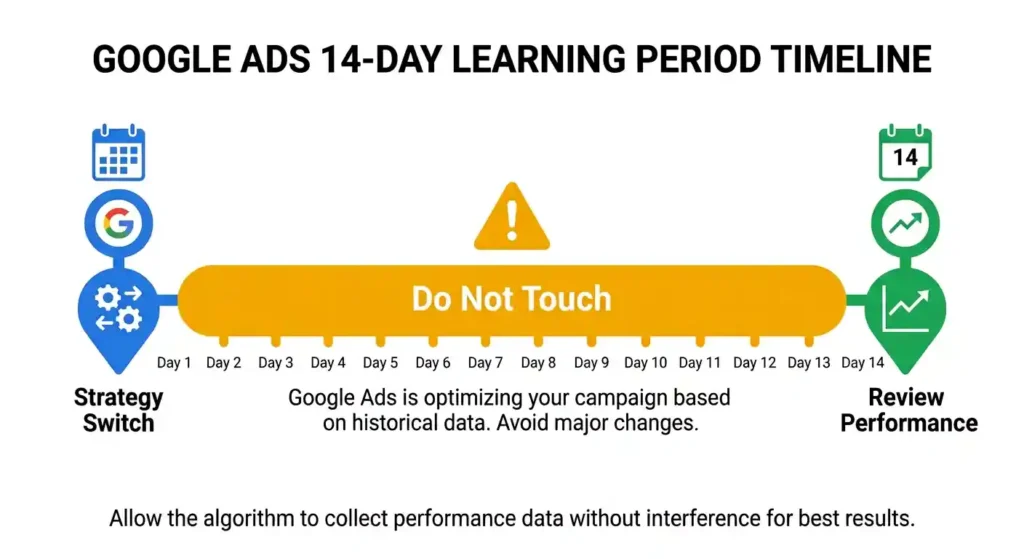
When you switch to or adjust Target ROAS, Google enters a learning period — typically 1–2 weeks. During this time:
- Performance may fluctuate. This is normal.
- Do not make major changes to budgets, bids, or ad copy. Each significant change restarts the learning period.
- Monitor impression share and conversion volume, not just ROAS, during this phase.
Set a calendar reminder to review performance at the 14-day and 30-day marks before making any decisions.
Step 5 — Monitor, Adjust, and Scale
Once out of the learning period, review these metrics weekly:
- Actual ROAS vs. Target ROAS — is Google hitting your goal?
- Conversion volume — has traffic dropped significantly?
- Cost per conversion — are individual conversions still profitable?
- Search Impression Share — are you losing visibility due to an overly aggressive target?
If Google consistently falls short of your target, the target may be too high for the current competitive landscape. If you’re consistently exceeding it, you have room to raise the target or increase budget to capture more volume.
Common Target ROAS Mistakes to Avoid
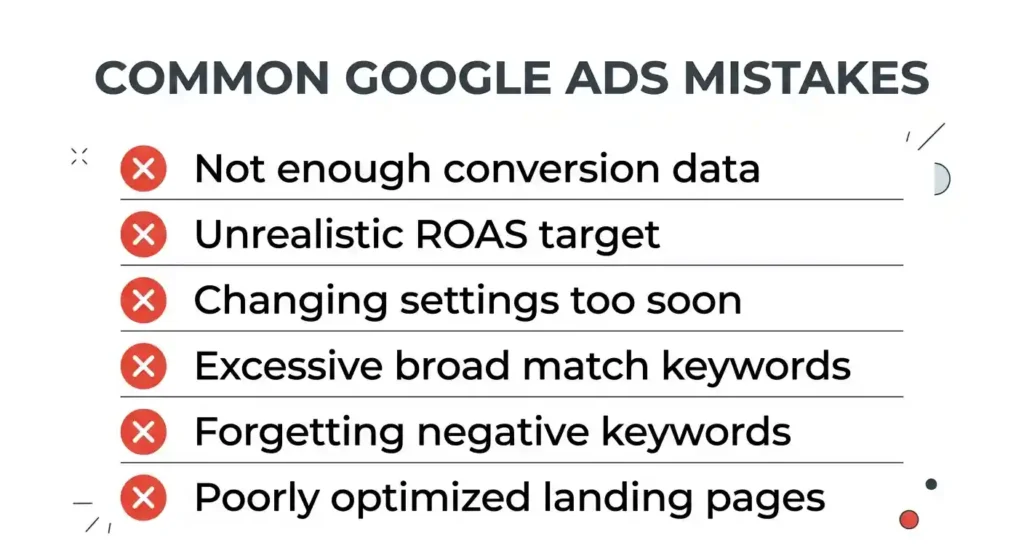
- Setting Target ROAS before having enough conversion data. You need 30–50 conversions per month minimum. Below this, use Target CPA or Maximise Conversions instead.
- Not tracking conversion value. If all conversions are assigned the same value (or no value), Target ROAS has nothing meaningful to optimise toward.
- Making frequent changes during the learning period. Patience is essential. Every tweak restarts the learning clock.
- Setting an unrealistic target. A 1000% ROAS target sounds great but will likely starve your campaigns of traffic. Ground your target in historical data.
- Ignoring budget constraints. If your daily budget is too low relative to your target CPA and ROAS goals, Google won’t have enough room to operate effectively. Budget and ROAS targets need to be aligned.
- Applying it to too many campaign types at once. Start with your best-performing campaign and expand once you understand how it behaves.
Key Takeaways
Target ROAS is one of the most effective bidding strategies available in Google Ads — when it’s set up on a solid foundation. Here’s the short version:
- Target ROAS tells Google how much revenue to generate per dollar of ad spend.
- It requires accurate conversion value tracking and sufficient data volume to work properly.
- Start your target at or slightly below your current average ROAS and adjust gradually.
- Give the learning period 2–4 weeks without major changes.
- Monitor conversion volume and impression share alongside ROAS to catch early warning signs.
Done right, Target ROAS removes the guesswork from bidding and lets Google’s machine learning work in your favour — freeing up your time to focus on strategy, creative, and business growth.